See Screenix in action with automatic zooms
Everything You Need
Professional screen recording, simplified
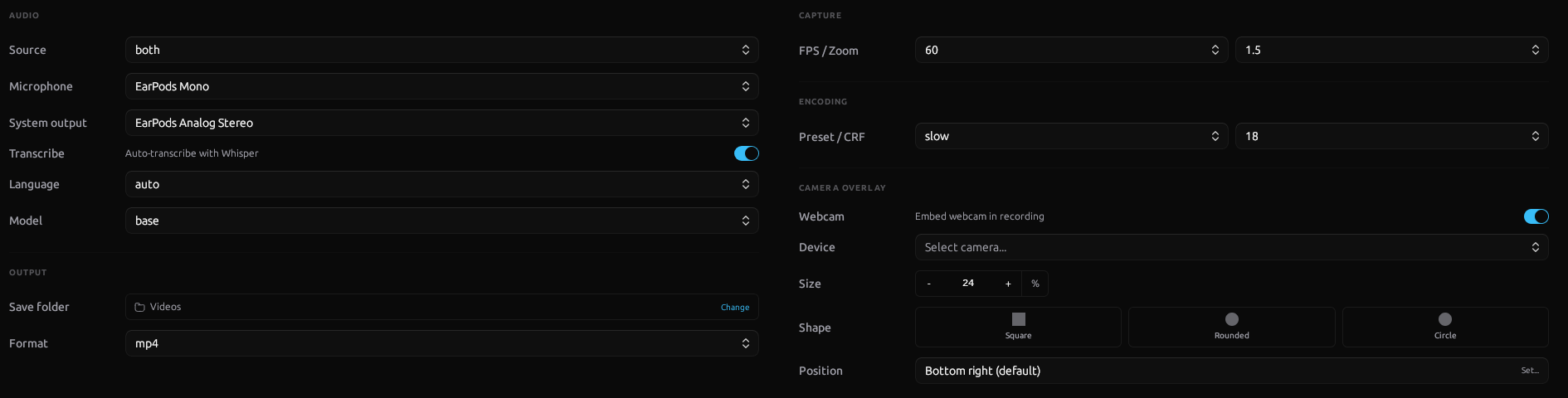
Recording Options
Configure audio, webcam, FPS, encoding, and output format before every recording.
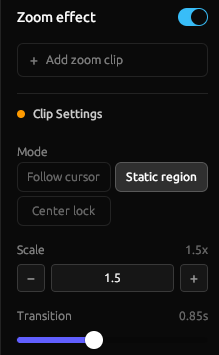
Zoom Effects
Follow cursor, static region, or center lock with smooth transitions.
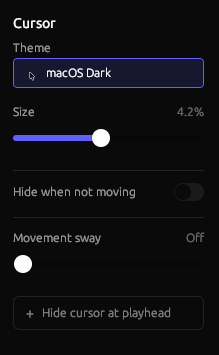
Cursor Styling
Custom themes, adjustable size, hide on idle, and smooth sway.
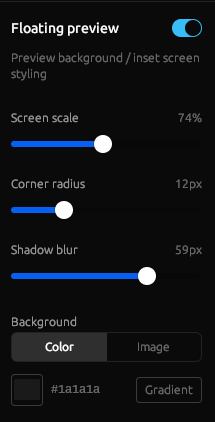
Floating Preview
Picture-in-picture with scale, corner radius, shadow, and background.
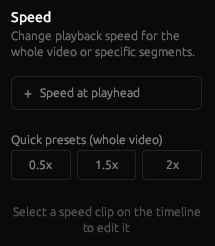
Speed Control
Change playback speed for the whole video or specific segments.
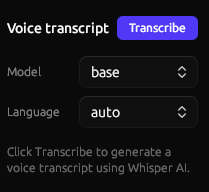
Voice Transcription
Local AI transcription with Whisper. Free, private, multi-language.
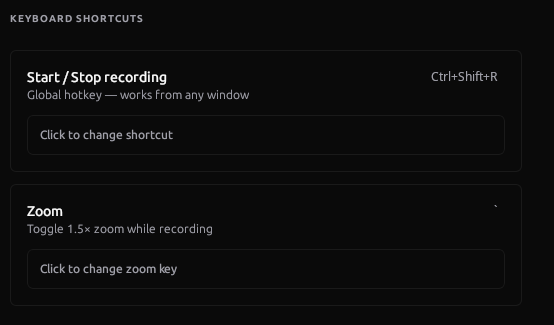
Keyboard Shortcuts
Global hotkeys for recording and zoom. Works from any window.
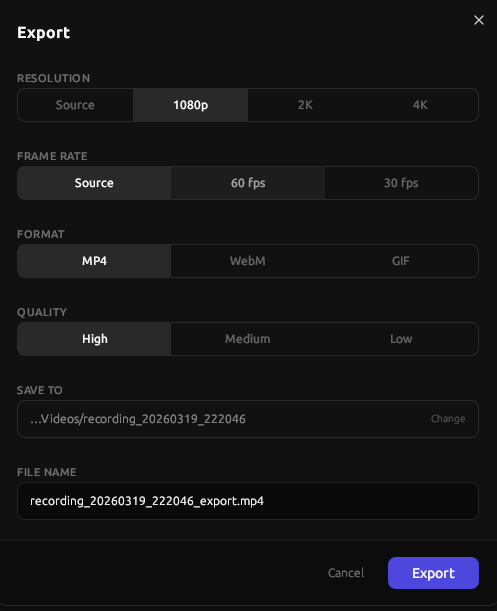
Export
Up to 4K, 60fps. MP4, WebM, or GIF with quality control.
Built for Linux
Screenix runs natively on Ubuntu, Fedora, and Arch Linux. No Wine, no workarounds. Just native performance.
- Ubuntu 24.04+
- Fedora 40+
- Arch Linux (yay -S screenix-bin)
- X11 & Wayland support
- Native .deb, .rpm, and AUR packages
System Requirements
8GB RAM minimum
16GB recommended
Why is Screenix not open-source?
I'm a 19-year-old solo developer. I love open-source and contribute to it, but making Screenix open-source right now would mean I can't pay my bills and can't keep working on it. It's not a choice I make lightly.
Read the full explanation →Simple Pricing
Start free. Upgrade when you're ready.
Free Trial
Try everything with no commitment
- All features included
- 10 recordings
- Small watermark
- Full exports
Screen Studio charges $29/month. Screenix starts at $5.99/month or $39 forever. See the comparison.
Frequently Asked Questions
Everything you need to know about Screenix